
Block Site: Focus
Simple block site extension: a website blocker with a focus timer. Stay focused, limit screen time and block websites on Chrome.
How to use Block Site: Focus
-
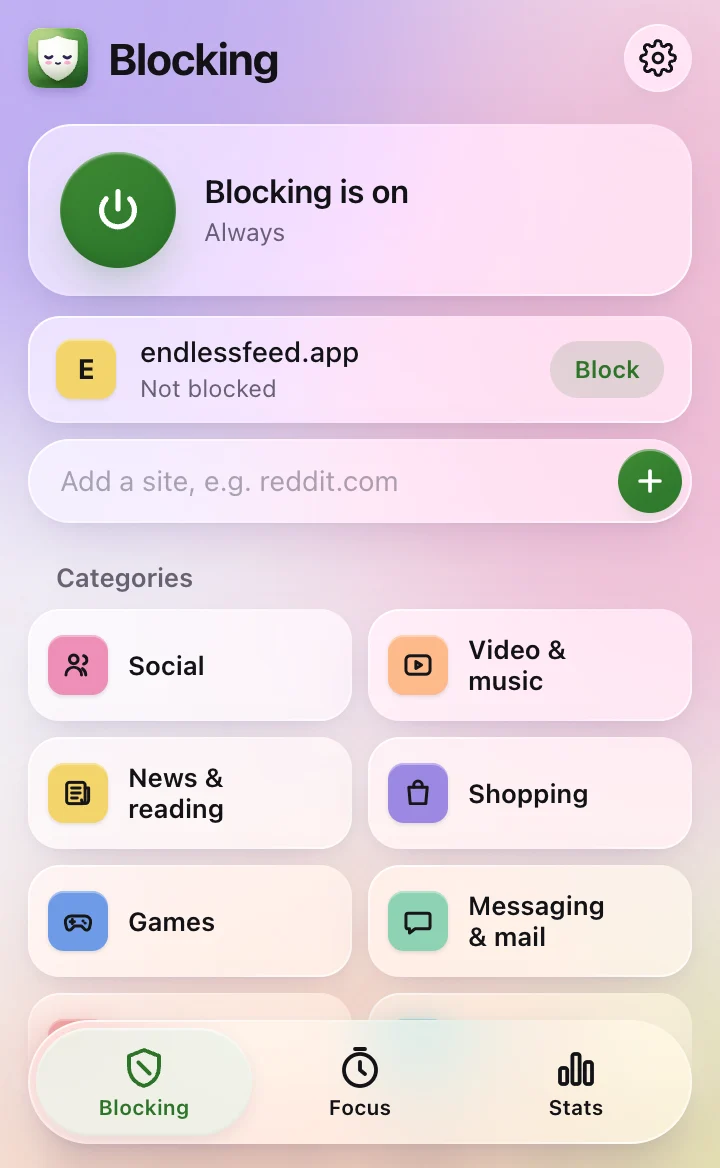
1Block a site
Click the icon and press Block next to the page you’re on, or type any address.
-
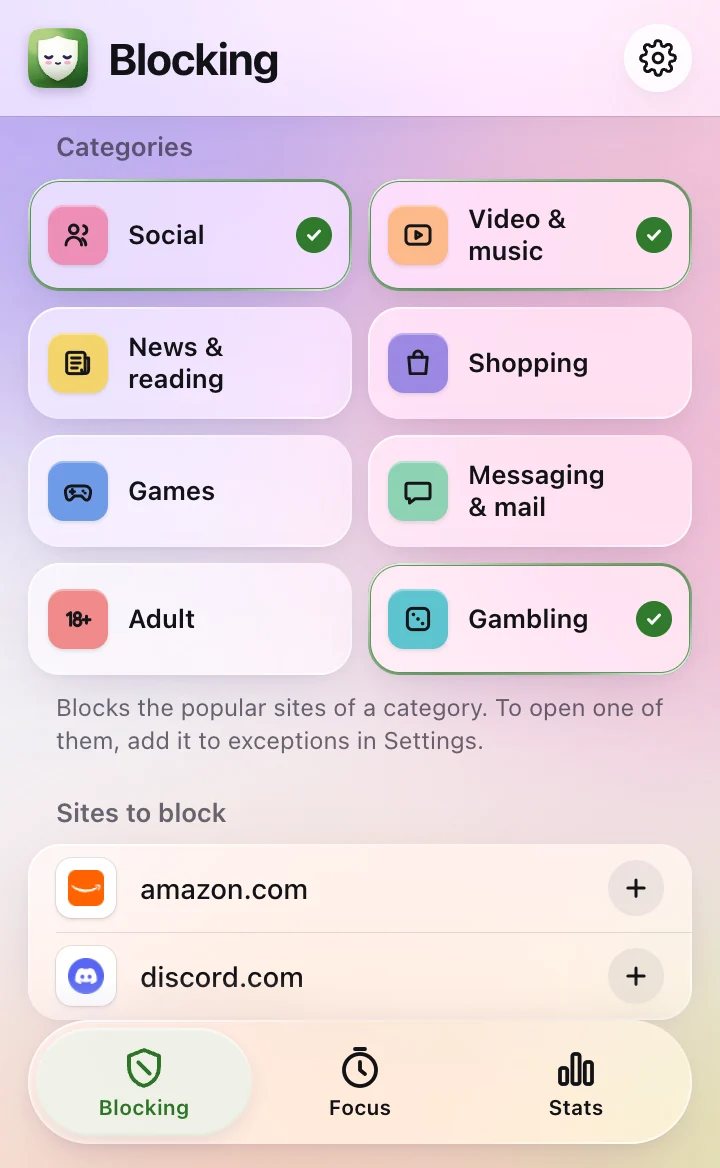
2Close whole categories
Tap a tile to block social media, video, news and more at once.
-
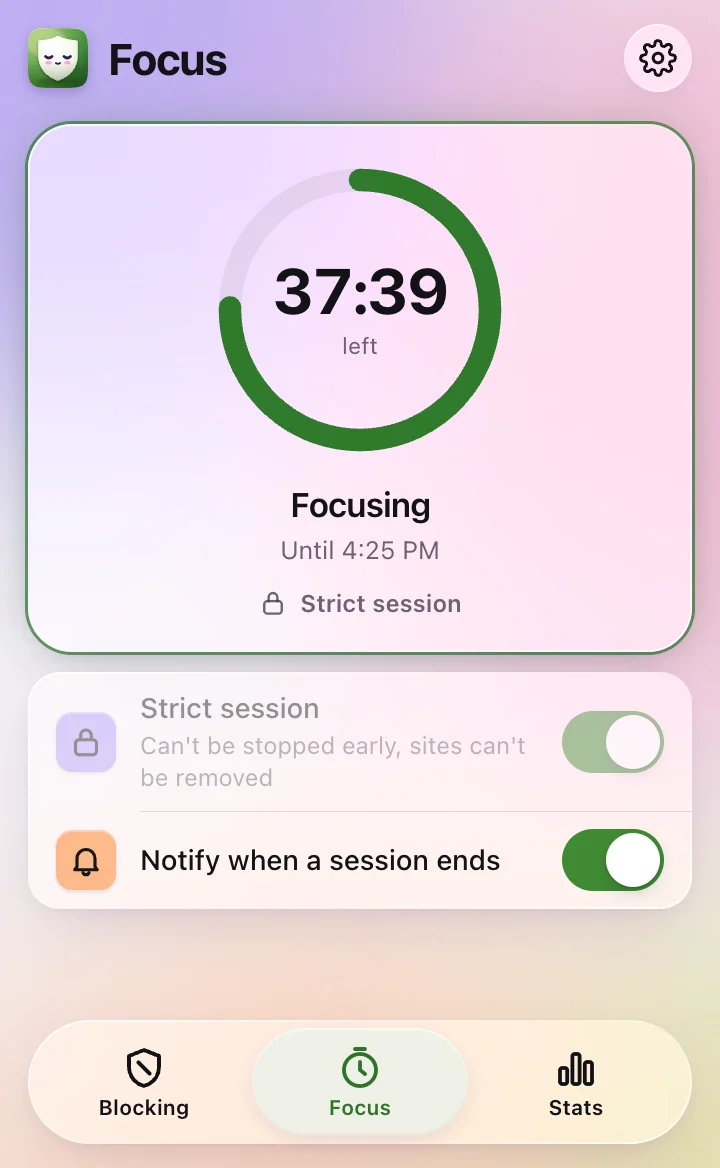
3Start a focus session
Pick 25, 50 or 90 minutes on the Focus tab. Your list stays blocked until the timer ends.
-
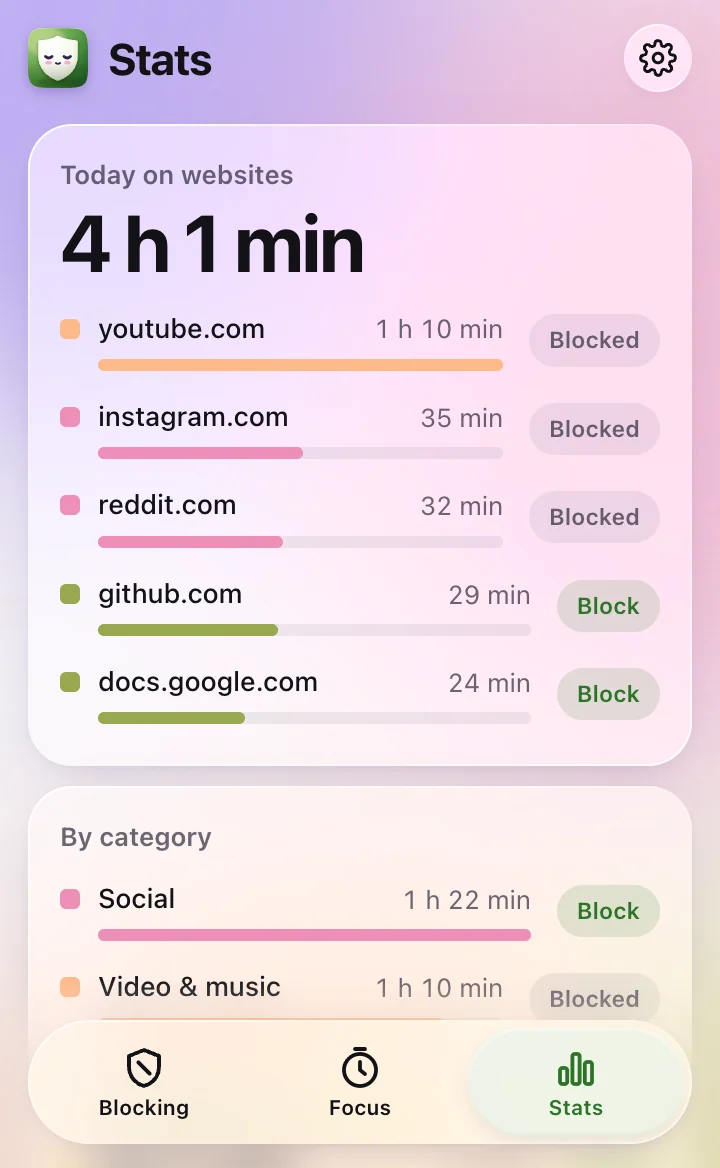
4See where your time goes
The Stats tab shows your time on each site and category, with a Block button next to each.
Can’t find the icon? Show me how to pin it