
Volume Boost
Simple volume boost for every Chrome tab: a volume booster up to 600% without crackle, with bass booster, equalizer and tab mixer.
How to use Volume Boost
-
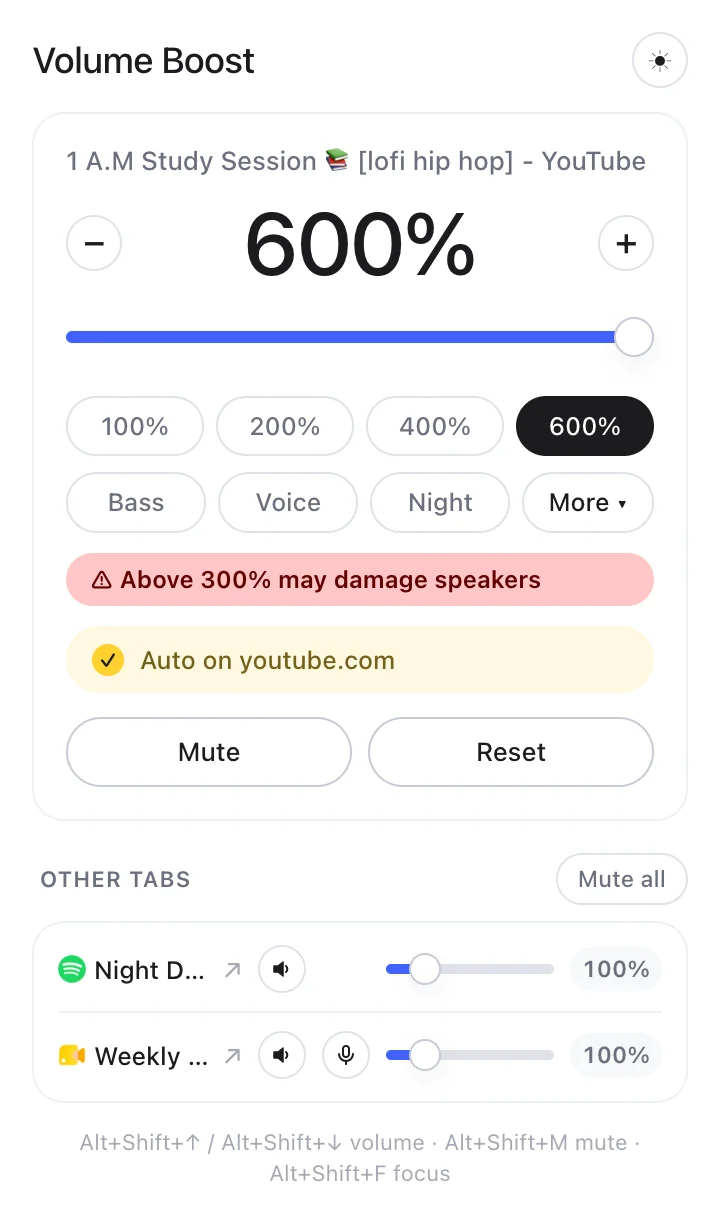
1Make a tab louder
Open a tab that’s playing sound, click the icon and drag the slider up to 600%.
-
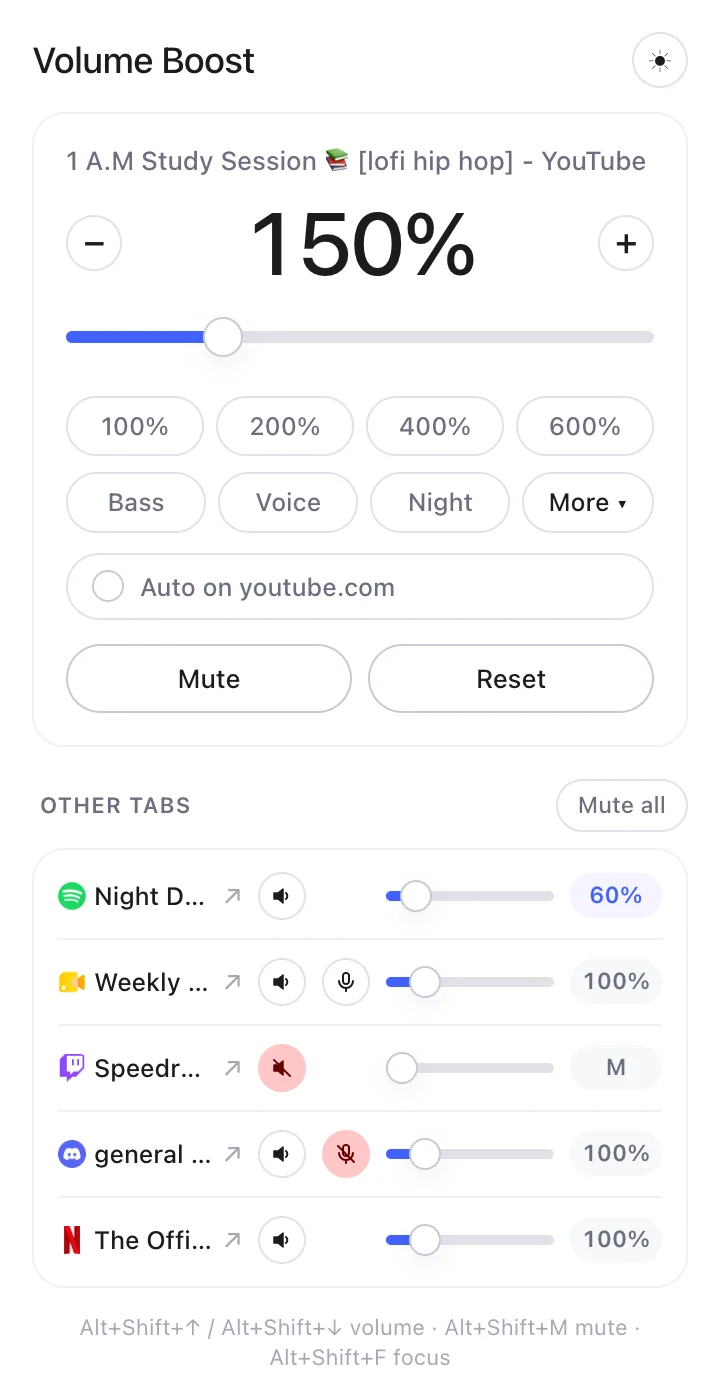
2Control every tab
Other tabs playing sound appear below, each with its own slider and mute button.
-
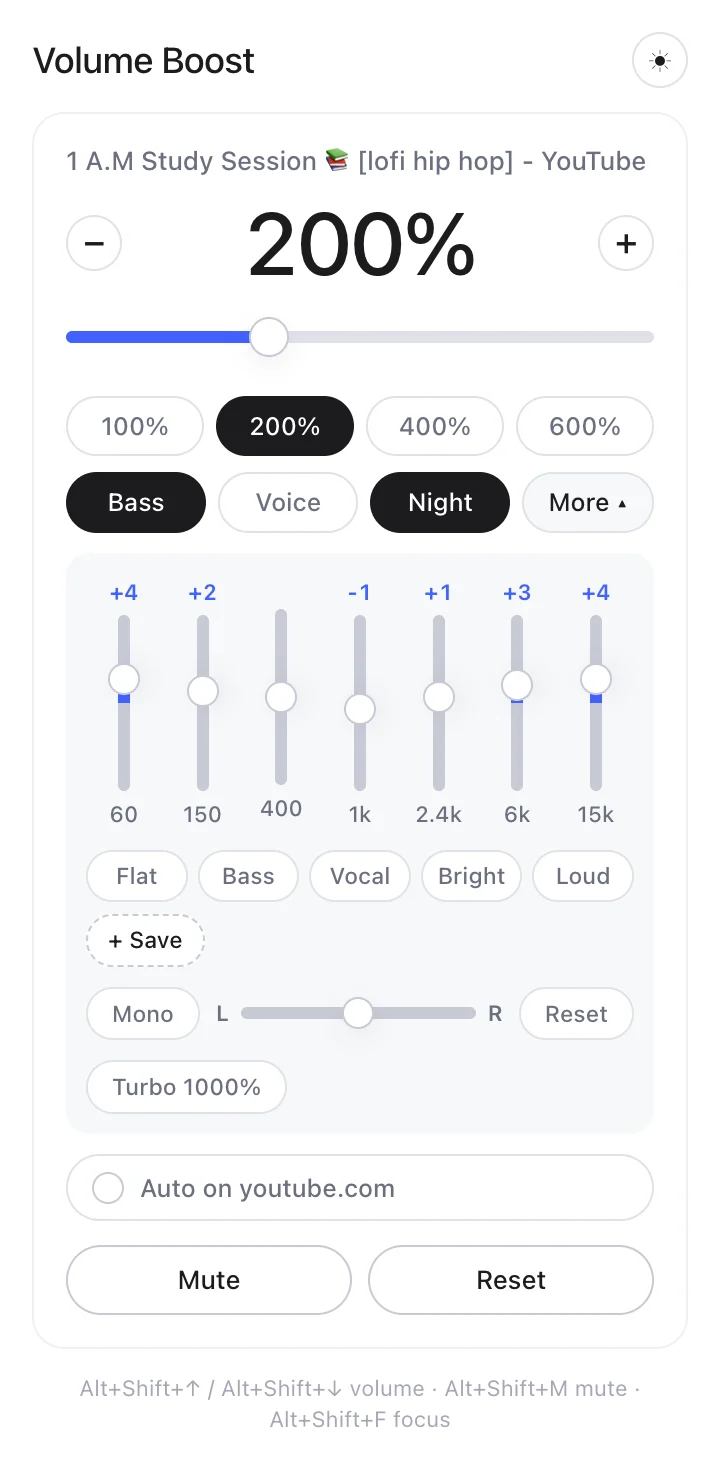
3Shape the sound
Turn on Bass, Voice or Night, or open More for the equalizer.
-
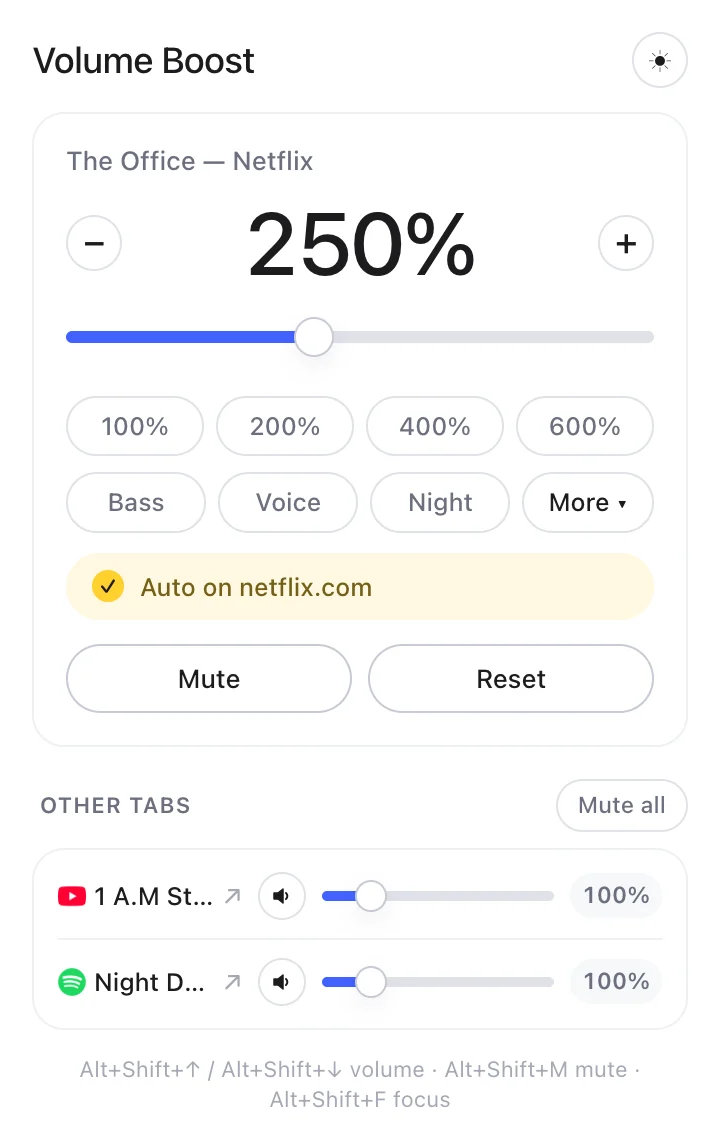
4Keep your level
Turn on Auto to bring the volume back every time you open the site. Alt+Shift+↑ and ↓ change it without opening the popup.
Can’t find the icon? Show me how to pin it