YouTube Blocker
Simple YouTube Blocker for Chrome: block YouTube Shorts and channels, hide recommendations and set a daily watch time limit.
How to use YouTube Blocker
-
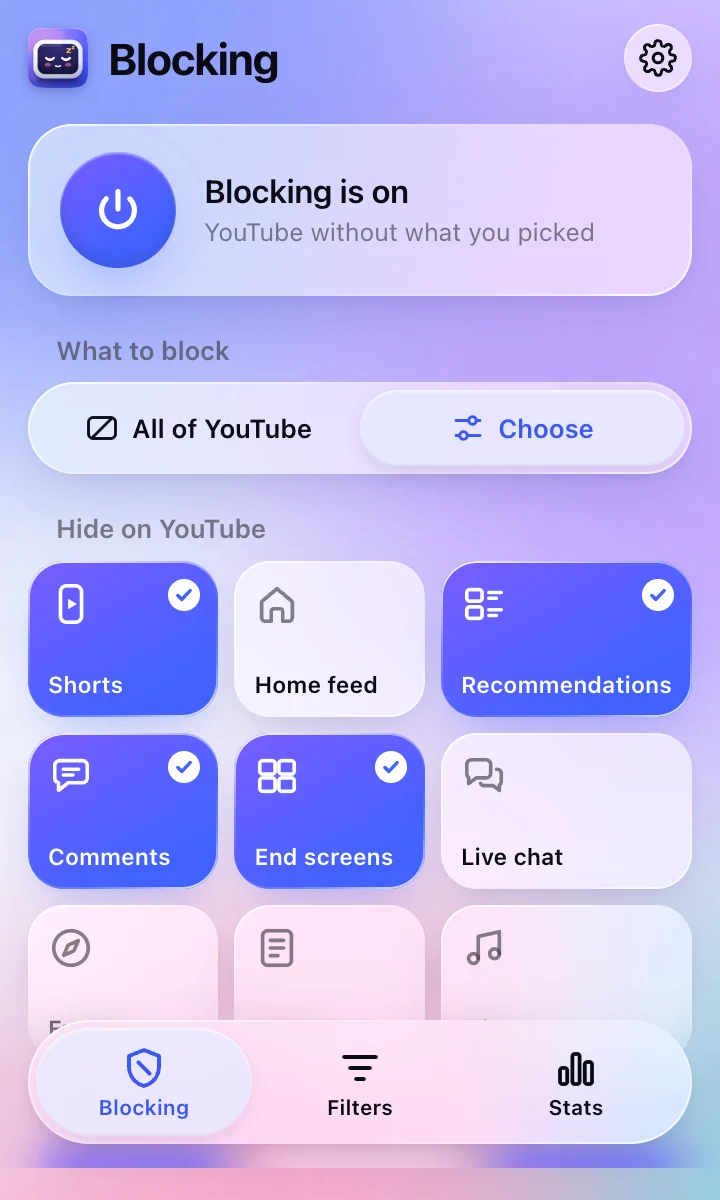
1Choose what to block
Click the icon to block all of YouTube, or pick what to hide: Shorts, recommendations, comments and more.
-
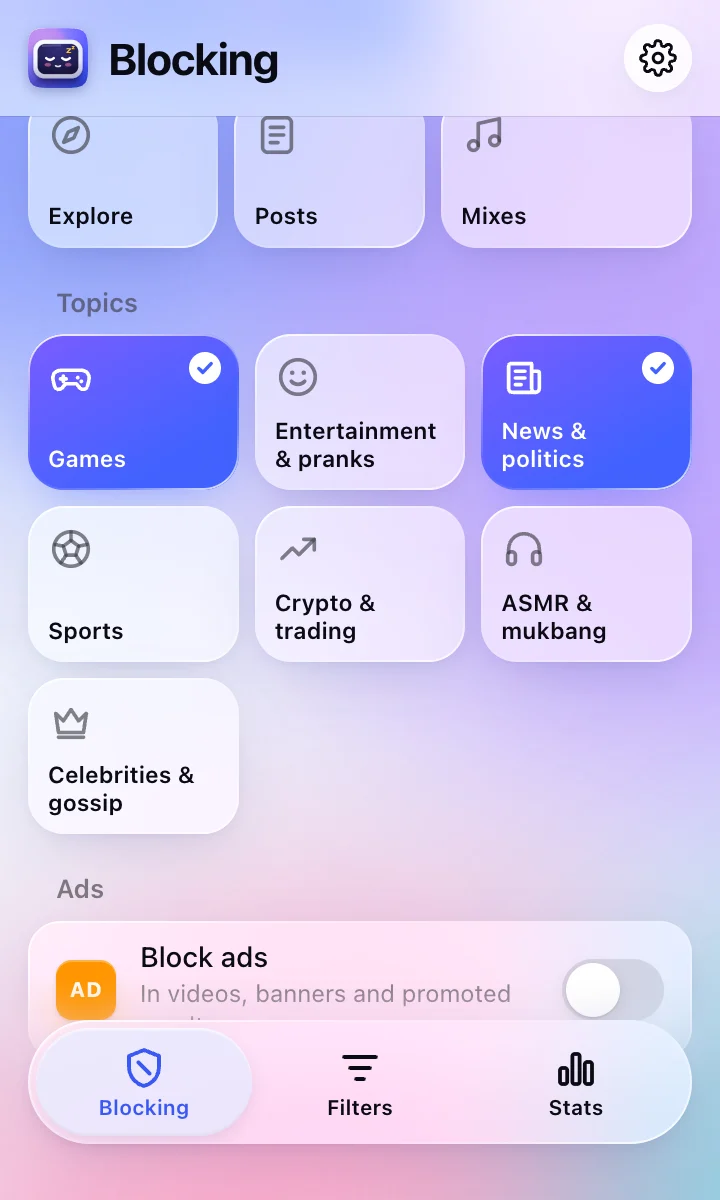
2Hide topics and channels
Turn on ready-made topics, or right-click any channel or video and choose Block this channel.
-
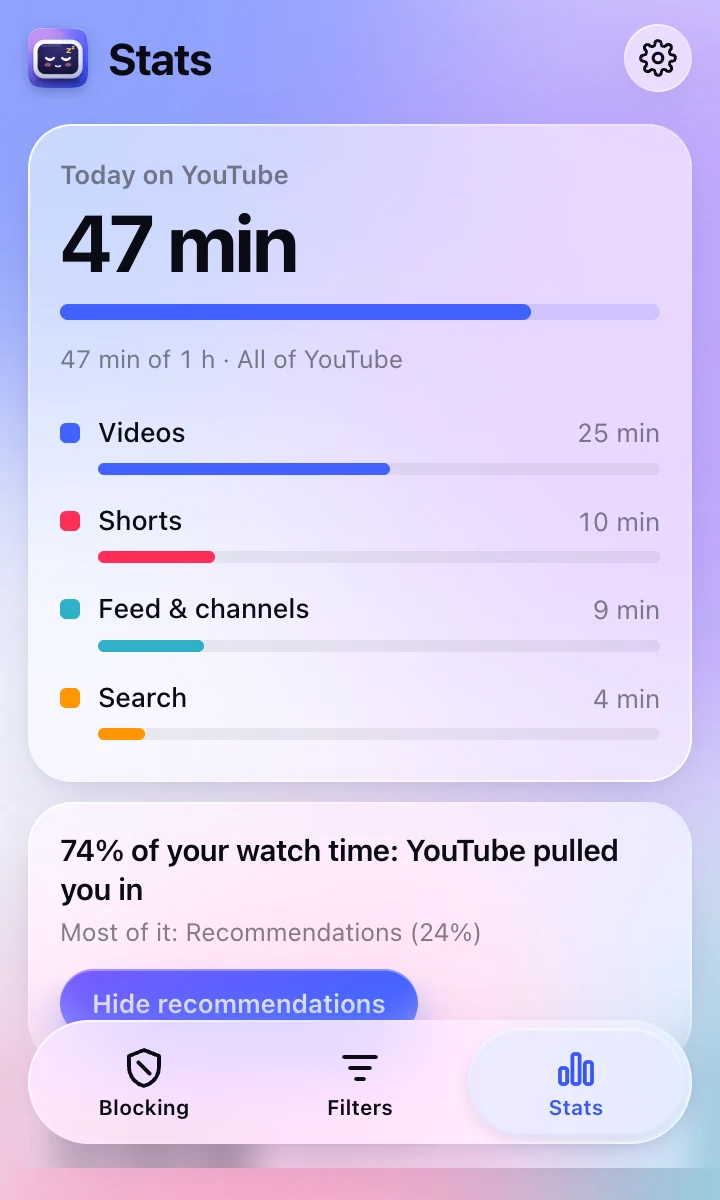
3See your YouTube time
The Stats tab shows where your time goes, and you can set a gentle daily limit.
Can’t find the icon? Show me how to pin it